Starlink Desert Camp Internet: WiFi for Winter Camps, Tents and Remote Sites in the UAE
Starlink desert camp setups have become the easiest way to get real internet in the middle of the UAE desert. Mobile signal fades a few kilometres from the road, and a 4G router that works at the camp entrance often shows one bar or nothing by the majlis tent. Starlink connects to satellites instead of mobile towers, so it works anywhere with a clear view of the sky – the dunes of Al Qudra, Lahbab, Al Faya, Fossil Rock, Remah, Al Khatim, Liwa and beyond.
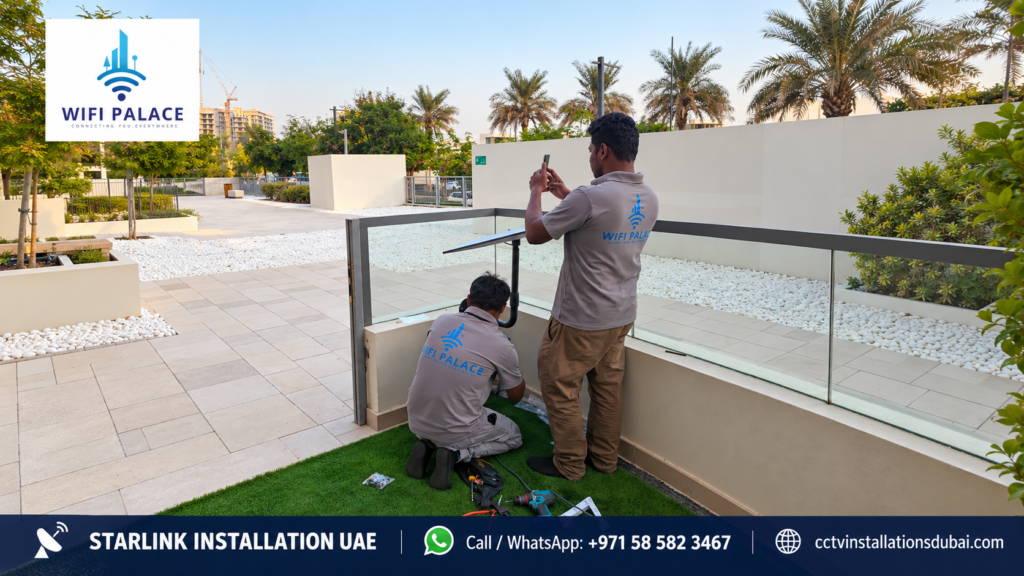
We set up Starlink desert camp internet for family winter camps, company camps, tour operators, events and remote work sites. Professional Starlink installation starts from AED 699 including VAT. You buy the Starlink kit and subscription directly from Starlink; we plan the power, mount the dish safely in sand, protect the cable and router from dust and heat, and spread WiFi across the tents and seating areas.
Why Starlink for a Desert Camp?
- Works where mobile signal does not. Starlink only needs a clear sky, which the open desert has plenty of.
- Enough speed for many users. Guests can make video calls, stream, upload photos and use social media at the same time.
- Payments and bookings. Camp operators can take card payments, manage bookings and use POS systems on site.
- Safety. Reliable internet means guests and staff can call for help and share live locations.
- Portable. When the season ends or the camp moves, the kit can be packed and set up again.
Starlink Desert Camp Setup: What We Plan
| Part of the setup | What we consider |
|---|---|
| Dish position | Open sky, away from tall tents and dunes that block the view, protected from people and vehicles |
| Mounting | Ground pole, sand anchor or weighted tripod that will not tip over in wind |
| Power | Generator, solar and battery or a mix, with stable output and surge protection |
| Router location | Shaded, ventilated and dust-protected, central to the tents |
| WiFi coverage | Outdoor access points or mesh to reach majlis, dining tent, kitchen and sleeping tents |
| Cable protection | Buried or covered cable runs so people and cars do not damage them |
| Plan type | A Starlink plan that allows use at the camp location; check with Starlink before buying |
Mounting a Starlink Dish in Sand
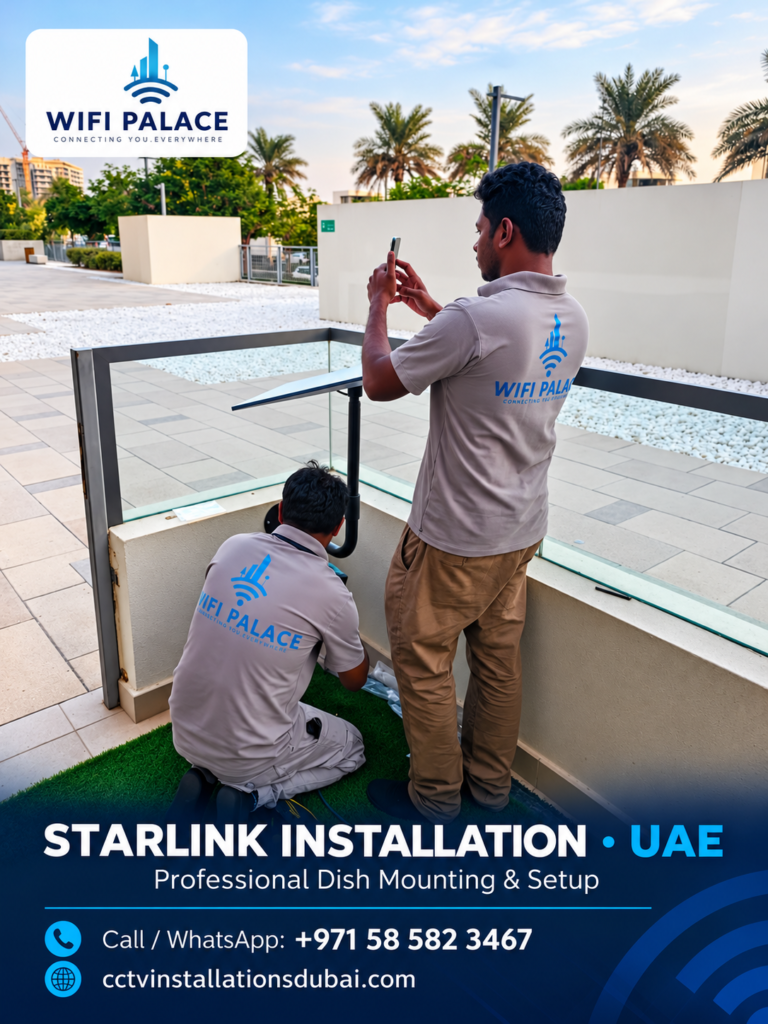
Sand moves, wind gusts are strong and camps are busy with people, children, animals and vehicles. A Starlink desert camp dish needs a mount that stays upright:
- Ground pole with sand anchors. A steel pole driven into the ground with long anchors or a buried base. Good for camps that stay for the season.
- Weighted tripod. A tripod with sandbags or concrete blocks. Quick to set up and move.
- Mount on a cabin or container. Many camps have a cabin, container or toilet block. A wall or roof bracket on it gives height and stability.
- Vehicle mount. For short trips, a mount on a vehicle can work, but it is less stable for a whole season.
We mark the area around the dish so cars do not drive over the cable and children do not climb on the pole.
Power for Starlink at a Desert Camp
Power is the most common reason a Starlink desert camp connection drops. Generators can produce unstable voltage, and running out of fuel at night switches everything off.
- Generator. Use a generator with stable output and connect Starlink through a surge protector or a small UPS, so voltage dips do not restart the router.
- Solar and battery. A solar panel with a battery and inverter can run Starlink day and night if it is sized properly for the dish, router and access points.
- Mini kit for small camps. Starlink’s compact kit uses less power and can suit small family camps; check the latest specifications with Starlink.
- Separate circuit. Keep Starlink and WiFi on their own protected circuit, away from heaters, cookers and lighting that cause spikes.
WiFi Across the Whole Camp
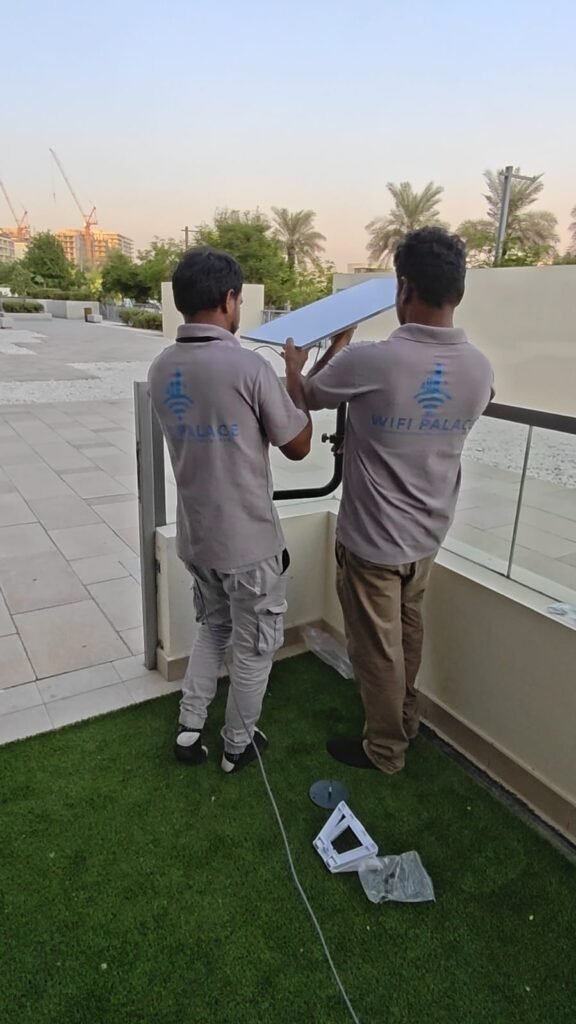
The Starlink router alone covers a small area. A camp with a majlis tent, dining area, kitchen and sleeping tents spread over sand needs more. We use outdoor-rated access points or mesh nodes placed on poles or tent frames, connected by cable where possible, so every area gets a strong signal. For larger camps we can create separate networks for guests and staff, and limit guest speeds so one person streaming does not slow everyone down. Read more on our Starlink WiFi network integration page.
Dust and Heat Protection
- Keep the router and power supply in a ventilated, shaded box or inside a cabin, never in direct sun.
- Seal cable connections and keep connectors off the sand.
- Use outdoor-rated access points with proper housings.
- Check equipment after sandstorms and wipe dust from vents.
Starlink Desert Camp Locations We Cover
| Area | Typical use |
|---|---|
| Al Qudra, Al Marmoom, Lahbab | Family winter camps near Dubai |
| Al Faya, Fossil Rock, Mleiha | Weekend and company camps in Sharjah’s desert |
| Remah, Al Khatim, Sweihan | Camps between Abu Dhabi and Al Ain |
| Liwa and the Western Region | Long-stay camps and events near the big dunes |
| Hatta and mountain areas | Glamping and mountain camps |
For far locations, travel is confirmed in the quotation. For Abu Dhabi locations, see Starlink installation Abu Dhabi.
Starlink Desert Camp for Businesses and Events
Tour operators, event companies and corporate camps need more than guest WiFi. We set up:
- Card machines and POS on a stable connection.
- Separate staff and guest networks.
- CCTV cameras on the camp perimeter and parking with remote viewing.
- Internet for sound and lighting control, live streaming and ticket scanning.
For temporary work sites, see Starlink construction site internet.
Starlink Desert Camp Setups Compared
| Camp type | Typical setup | Key points |
|---|---|---|
| Small family camp (1–3 tents) | One dish on a tripod, router in a shaded box, one extra access point | Low power, quick setup, easy to move |
| Large family or friends camp | Ground pole, 2–4 outdoor access points, generator with UPS | Coverage for majlis, dining and sleeping tents |
| Company or event camp | Fixed pole or cabin mount, staff and guest networks, failover power | POS, ticketing, sound and lighting control, CCTV |
| Tour operator camp | Cabin-mounted dish, wide outdoor WiFi, guest speed limits | Many short-stay guests, reliable payments |
| Remote work site camp | Pole mount, rugged access points, CCTV on the same network | Staff welfare WiFi and site security |
Starlink Desert Camp Setup Day: Step by Step
- Arrival and site walk. We look at the camp layout, tents, power source and where people gather most.
- Sky check. We use the Starlink app to find an open spot away from dunes, tall tents and trees.
- Mount the dish. We install the tripod, ground pole or cabin bracket and secure it against wind.
- Power. We connect Starlink to a protected circuit with a surge protector or UPS.
- Router box. The router goes in a shaded, ventilated, dust-protected position.
- Access points. We place outdoor access points on poles or tent frames and connect them.
- Cable protection. Cables are buried shallow or covered and marked so cars and people avoid them.
- Testing. We test speed and video calls in every main area, day and evening.
- Handover. We show the camp manager how to restart the system, check the app and spot common problems.
Common Desert Camp Internet Problems and Fixes
| Problem | Usual cause | Fix |
|---|---|---|
| Internet stops every evening | Generator voltage drops when lights and heaters switch on | Separate circuit and a small UPS for Starlink |
| Good WiFi near the router only | Tents and distance block the signal | Outdoor access points around the camp |
| Short dropouts during the day | A tent, flag pole or dune partly blocks the sky | Move the dish to a clearer spot or raise it on a pole |
| Router restarts in the afternoon | Overheating in direct sun | Shaded, ventilated box or move inside a cabin |
| Dish knocked over | Loose tripod in wind or hit by a vehicle | Heavier ballast, ground anchors and a marked safe zone |
| Cable damaged | Run across a driveway or walkway | Bury or cover the cable and change the route |
Starlink Desert Camp Checklist
Use this checklist before the camp opens to guests:
- Starlink kit activated and plan confirmed for the location.
- Dish on a stable mount with a clear view of the sky.
- Power protected with a surge protector or UPS.
- Router shaded, ventilated and off the sand.
- WiFi tested in majlis, dining, kitchen and sleeping areas.
- Guest WiFi name and password printed for guests.
- Cables covered and marked.
- Camp manager knows how to restart everything.
- Our WhatsApp number saved for support.
Safety Tips for Camps
- Keep the dish and pole away from fire pits and cooking areas.
- Do not let children climb on tripods or poles.
- Switch off and secure equipment before a forecast sandstorm.
- Keep power cables away from water and tent pegs.
- Share the camp’s live location with family and staff using the internet you now have.
Planning Your Starlink Desert Camp for the Season
Winter camping season in the UAE usually runs from around November to March, and installers get busy once the weather cools. To avoid delays, order your Starlink kit early, book your Starlink desert camp setup before you move in, and tell us the expected camp dates. At the end of the season we can dismantle the setup, check every part and pack it so it is ready to use again next year.
Starlink Desert Camp with CCTV
Camps are often left unattended during the week, with expensive tents, furniture, generators and vehicles on site. Once a Starlink desert camp connection is in place, you can add CCTV cameras on the same network and watch the camp from your phone in the city. We install solar- or generator-powered cameras with night vision on the perimeter, parking and main tent. See our CCTV installation Dubai services for camera options.
Starlink Desert Camp Price
Starlink installation starts from AED 699 including VAT. The kit and subscription are bought directly from Starlink. The final price for a Starlink desert camp setup depends on:
- Mount type: tripod, ground pole or cabin bracket.
- Number of outdoor access points needed.
- Cable length and protection across the camp.
- Power protection: surge protector, UPS or solar setup.
- Location and travel distance.
- Whether we also take down and re-install the setup at the end of the season.
Payment is 50% advance and 50% on completion by cash, bank transfer, card, payment link or cheque. All installation work has a 1-year workmanship warranty. See Starlink installation cost UAE for details.
Starlink Desert Camp vs a 4G or 5G Router
Many camps start with a mobile router and switch to Starlink after the first weekend. This is how they compare:
| 4G/5G router | Starlink desert camp setup | |
|---|---|---|
| Coverage | Depends on the nearest mobile tower; weak or none deep in the dunes | Works anywhere with open sky |
| Speed for many users | Drops fast as more guests connect | Handles many users well when WiFi coverage is planned |
| Setup | Plug in a SIM | Dish, mount, power and access points |
| Power use | Low | Higher; needs stable power |
| Best for | Camps close to roads and towns | Remote camps and busy camps with many guests |
Some camps keep both: Starlink as the main line and a mobile router as backup, joined by a dual-WAN router so the internet switches automatically if one fails.
Why Choose Us for Your Starlink Desert Camp
- Sand-safe mounts that stay upright in wind.
- Power planning so the internet does not drop every evening.
- WiFi that reaches every tent, not just the router.
- Clear pricing from AED 699 including VAT.
- CCTV for unattended camps from the same team.
- 1-year workmanship warranty and local support.
Starlink Desert Camp: FAQs
Does Starlink work in the desert?
Yes. Starlink only needs a clear view of the sky, so the open desert is usually ideal. Tall dunes or large tents right next to the dish can block it, so we place it carefully.
Which Starlink plan do I need for a camp?
It depends on whether the camp is fixed for the season or you move around. Plans and rules change, so check with Starlink which plan allows use at your camp location before you buy.
Can Starlink run on a generator?
Yes, but use a stable generator and a surge protector or small UPS, so voltage dips do not restart the router.
How many people can use it at once?
A good Starlink setup can serve many devices. Coverage across the camp, not just speed, is usually the limit, which is why we add outdoor access points.
Can you take it down and set it up again next season?
Yes. We can dismantle, store-ready pack and re-install your setup for the next season.
Can guests use the WiFi without slowing everything down?
Yes. We can create a separate guest network with fair speed limits, so one person streaming does not slow the whole camp, and keep a private network for the organiser and staff.
Do I need permission to set up a camp?
Camping rules depend on the area and emirate, and some locations need a permit. Check the local rules for your camp site. Our part is the internet, power and WiFi setup once the camp location is confirmed.
What happens if the internet stops at night?
Most night-time drops come from generator power. Restart the router first; if it keeps happening, call us and we will add a UPS or a separate circuit for your Starlink desert camp equipment.
Can you set up Starlink at a farm next to the camp?
Yes. Many customers have a farm or rest house near their camp. See our Starlink farm installation page.
Book Your Starlink Desert Camp Setup
Send us your camp location pin, the number of tents and guests, and your power source on WhatsApp at 058 582 3467. We will plan your Starlink desert camp internet and confirm a date. Order your kit from the official Starlink website.